Pay-per-click advertising can deliver fast, measurable results. When managed well, it can generate qualified leads, increase sales and drive consistent growth. But when mismanaged, it can burn through budget surprisingly quickly.
Many advertisers assume PPC is simply a case of launching a few ads and waiting for conversions. In reality, even small errors can significantly damage PPC campaign performance. These PPC mistakes are common and they affect both beginners and experienced marketers alike.

Get your free digital marketing quote
Take the first step towards digital success and let’s start driving results.
1. Not Defining Clear PPC Goals

One of the biggest mistakes in paid advertising is launching campaigns without clearly defined objectives.
Are you aiming for lead generation? Online sales? Website traffic? Brand awareness? Each of these goals requires a different bidding strategy, budget structure and success metric.
For example, if your goal is lead generation, your focus should be on maximise conversions or maximise conversion value cost per conversion. If you are aiming to increase visibility, impressions reach may matter more.
Vague goals such as “get more customers” lead to unclear optimisation decisions. Clear goals, on the other hand, might look like:
- Generate 50 qualified leads per month
- Achieve a return on ad spend (ROAS) of 400%
- Reduce cost per acquisition by 20% in three months
When business objectives align with campaign metrics, performance becomes far easier to measure and improve.
2. Targeting Keywords That Are Too Broad
Keyword targeting sits at the heart of PPC success. Historically, one of the most common PPC mistakes was relying too heavily on broad match keywords without enough control or refinement.
Broad match keywords can cast a wide net, allowing ads to appear for a wider range of related searches. In the past, this often led to irrelevant clicks and wasted budget. However, advances in Google’s AI and machine learning have significantly improved how broad match works. Google’s algorithms are now far better at understanding search intent and identifying which searches are most likely to convert.
Because of this, broad match keywords can often perform very well when used correctly, particularly when combined with strong campaign data, smart bidding strategies and well-structured keyword research.
That said, success with broad match still depends on having a clear keyword strategy. Without proper research and monitoring, campaigns can still attract irrelevant traffic that drains budget and reduces lead quality. Regularly reviewing search term reports and refining targeting remains an essential part of effective PPC management.
Understanding the different keyword match types is key to balancing reach and control:
- Broad match – the search query is entered without any additional formatting.
Example: PPC management services
This match type allows Google to show ads for related searches, variations and similar intent queries.
- Phrase match – the search query is placed within quotation marks.
Example: “PPC management services”
Ads appear when the search includes the phrase or close variations, while still allowing additional words before or after.
- Exact match – the search query is placed within square brackets.
Example: [PPC management services]
This targets highly specific searches that closely match the keyword phrase.
Each match type plays a different role within a PPC strategy. While broad match can help discover new opportunities and expand reach, phrase and exact match provide greater control over when ads appear.
The key is not to avoid broad match entirely, but to use it strategically. Strong keyword research, regular optimisation and careful budget monitoring ensure that broad match works effectively alongside more precise match types to improve relevance, click-through rate and overall campaign performance.
3. Ignoring Negative Keywords

Closely related to keyword targeting is the use of negative keywords. These are terms you deliberately exclude to prevent your ads from appearing in irrelevant searches.
For example, if you offer professional or premium services, you may want to exclude searches containing words like “cheap”, “free” or “DIY”. These searches are unlikely to convert and can quickly eat into your budget.
Without negative keywords in place, ads can show for unsuitable queries. This often leads to lower click-through rates and weaker engagement, which can negatively impact your Quality Score. A lower Quality Score can increase your cost per click, meaning you end up paying more for traffic that was never likely to convert in the first place.
Negative keywords are not only discovered after campaigns go live, as they should also be considered during the keyword research stage.
When using tools such as Google Keyword Planner, you’ll often come across search terms that you decide not to target. Instead of simply ignoring them, it’s worth asking why they weren’t included. If those searches are clearly irrelevant to your service offering, adding them to your negative keyword list can prevent your ads from appearing for those queries or similar ones in the future.
In other words, keyword research isn’t just about identifying the keywords you do want to target, it’s also about spotting the ones you don’t.
A common approach is to add these as exact match negative keywords, which blocks ads from appearing for that specific query while still allowing flexibility elsewhere in the campaign.
Alongside this, regularly reviewing search term reports once campaigns are live helps uncover additional irrelevant queries. Adding these to your negative keyword list is a simple but powerful way to protect your budget, refine targeting and keep campaign performance moving in the right direction.
4. Sending Traffic to Poorly Optimised Landing Pages
Even the most carefully targeted ads can fail if they lead to a weak landing page.
There must be a strong connection between your ad copy and the page users arrive on, this is known as message match. If someone clicks an ad promising specific promises, benefits and features but lands on a generic homepage, they could be confused or feel misled and if this happens they simply won’t convert.
Common landing page issues include:
- Slow load speed
- Unclear or missing calls to action
- Too much text without clear structure
- Poor mobile usability
Landing page experience plays a direct role in PPC campaign performance. It influences conversion rate and quality score, both of which affect overall results.
Effective Google Ads optimisation does not stop at the ad itself. The landing page must support and reinforce the promise made in the advert.
5. Writing Weak or Irrelevant Ad Copy

Ad copy needs to speak directly to user intent. Generic messaging such as “We Offer Great Services” does little to encourage clicks.
Strong ads clearly communicate value. They highlight specific benefits, address pain points and include compelling calls to action.
Headlines are particularly important, as they are often the first thing users notice. Including relevant keywords can also improve ad relevance and quality score.
Ad extensions should not be overlooked. Sitelinks, callouts and structured snippets increase visibility and provide additional information, often improving click-through rate.
Ongoing A/B testing is essential. Testing variations in headlines, descriptions and calls to action allows you to identify which messages resonate most with your audience.
6. Not Tracking Conversions Properly
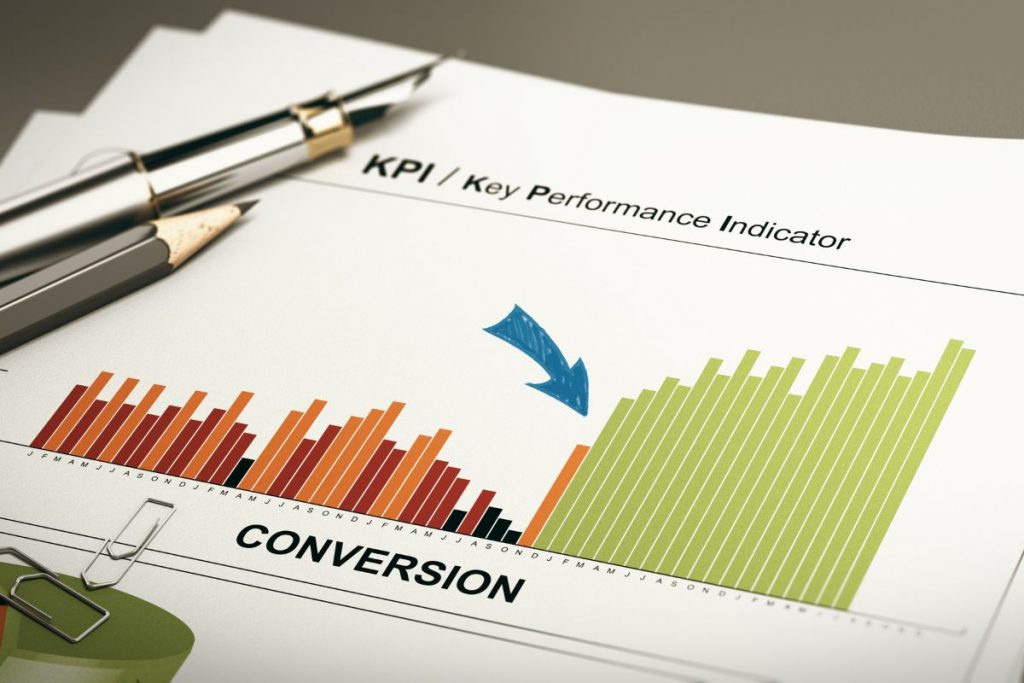
Clicks alone do not measure success. Without accurate conversion tracking, it is impossible to understand whether your campaigns are actually delivering results.
Conversion tracking records meaningful actions such as purchases, form submissions, or phone calls. Without it, decisions are based on surface-level metrics like impressions and traffic.
Common tracking errors include:
- Failing to install tracking tags correctly
- Not importing conversions from analytics platforms e.g Google Analytics
- Tracking duplicate conversions
- Overlooking phone call or offline conversions
Accurate conversion tracking enables smarter bidding, clearer reporting and more effective optimisation. In platforms such as Google Ads, automated bidding strategies rely heavily on reliable conversion data so that it can understand who your ideal audience is and start showing ads to people similar in nature who are likely to convert
If you use Google Ads, we massively recommend creating conversions using Google Tag Manager, which can be a technical tool to learn but is very necessary. These conversions can be fed into Google Analytics which can be synced with your Google Ads account. This way it is all aligned and feeding data between one another.
Without proper tracking, even well-structured campaigns can underperform simply because optimisation decisions are based on incomplete information.
7. Failing to Optimise Campaigns Regularly

PPC is not a set-and-forget activity. Markets change, competitors adjust bids and search behaviour evolves.
Failing to review and refine campaigns regularly is one of the most common PPC mistakes. Regular optimisation should include:
- Reviewing search term reports
- Reviewing recommendation made by the ad platform in the dashboard
- Adjusting bids based on performance
- Pausing underperforming keywords
- Testing new ad variations
- Refining audience targeting
Continuous Google Ads optimisation ensures campaigns remain competitive and cost-effective. Even small adjustments can gradually improve performance over time. PPC advertising can be a powerful growth channel, but only when managed strategically. Avoiding common PPC mistakes protects your budget and strengthens overall PPC campaign performance.
Clear goals provide direction. Refined keyword targeting and negative keywords improve relevance. Strong landing pages and compelling ad copy increase conversions.
Accurate conversion tracking ensures decisions are based on real results. Ongoing optimisation keeps campaigns efficient and competitive.
The good news is that most PPC mistakes are correctable. With regular performance reviews and a commitment to continuous improvement, small adjustments can lead to significant gains over time.
If you’d like expert support to improve your PPC campaign performance, contact us today to discuss how we can help you get more from your ad spend.